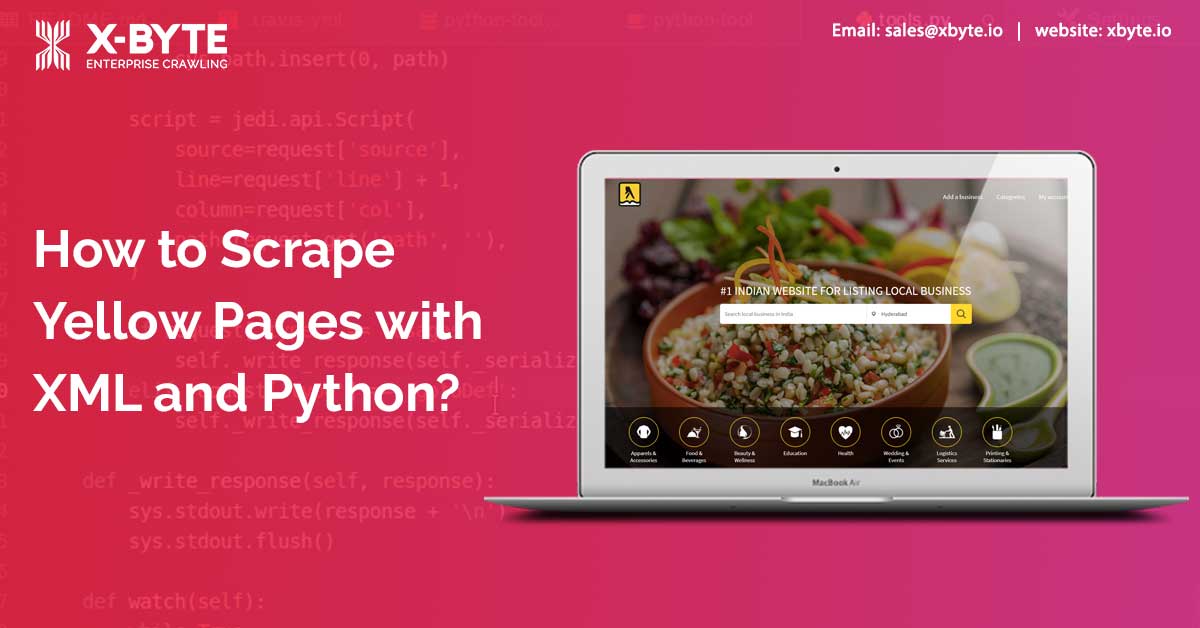
In this scraping tutorial, let’s see we will let you know how to scrape YellowPages.com using Python and LXML, which will scrape business information based on the category and city from the Yellow Pages.
To use this yellow pages scraper, let’s go through yellow pages of data for different restaurants in the city. Then extract business information from first page outcomes.
What Data Do We Extract?
Here are the data fields that we will scrape:
- Rankings
- Business Name
- Business Pages
- Phone Numbers
- Website
- Street’s Name
- Category
- Ratings
- Region
- Locality
- URL
- Zip Code
Here is the screenshot of information we will scrape from Yellow Pages using yellow pages API
How to Find Data?
Initially, we should find the data, which is available in the current page’s HTML Tags before to start creating a Yellow pages scraper. You should understand HTML tags of the content of the pages for doing so.
If you know Python and HTML, it will be easier for you. You don’t require superior programming skills for most parts of this tutorial.
Let’s examine the HTML of a web page as well as discover where the data is situated. What we are going to do is this:
Get the HTML tags, which enclose the listing of links where we require data from
Get links from that and scrape data
Reviewing the HTML
Why do we need to inspect the elements? – To get any elements on web pages using the XML path appearance.
Open a web browser (we have used Google Chrome here) and visit https://www.yellowpages.com/search?search_terms=restaurant&geo_location_terms=Boston link.
Then right-click on the page link and select – Inspect Element. A toolbar will get opened showing ‘HTML Content’ of this web page in the well-structured format.
The Image here shows data that we require to scrape in a DIV tag. In case, you see closely, it has the attribute named ‘class’ known as ‘result’. The DIV contains data fields that we have to scrape.
Let’s discover the HTML tag(s) that has links we require to scrape. You may right-click on a link title in a browser as well as perform ‘Inspect Element’. This will open HTML Content and highlight the tag that holds the data that you have right-clicked on. See, the image below to get data fields well-structured.
How to Set Your Computer for Web Scraping Development?
We will utilize Python 3 for the Python web scraping tutorial. The code won’t run in case, you use Python 2.7. To begin, your system requires PIP and Python 3 installed in that.
The majority of UNIX operating systems including Mac OS and Linux comes with pre-installed Python. However, not all Linux Operating Systems distribute with by default Python 3.
To validate the python version, just open the terminal (in Mac OS and Linux) or Command Prompt (on the Windows) as well as type:
python --version
After that, press the Enter key. In case, your output looks like Python 3.x.x, then you have got Python 3 installed. Similarly, if it is Python 2.x.x, then you are having Python 2. However, if that prints errors, you probably don’t have the python installed.
Installing Python 3 with Pip
You can use this guide for installing Python 3 for Linux –
http://docs.python-guide.org/en/latest/starting/install3/linux/
If you are a Mac user, you can follow the guide at – https://docs.python-guide.org/starting/install3/osx/
Package Installation
Use Python Requests for making requests as well as downloading HTML content for different pages at (https://docs.python-requests.org/en/latest/user/install/).
Use Python LXML to parse HTML’s Tree Structure with Xpaths (Know more at – http://lxml.de/installation.html)